
Auto-capture a process into step-by-step screenshots
For: a process you would rather do than describe: an install, a settings change, an admin task you get asked about every week.
Writing a process doc by hand means doing the task twice, once to remember it and once to screenshot it. Auto-capture takes the screenshots while you do it once. Every click becomes a still with a ring where you clicked, and the stills land in a bundle you can prune, annotate and export.
The flow
- Press
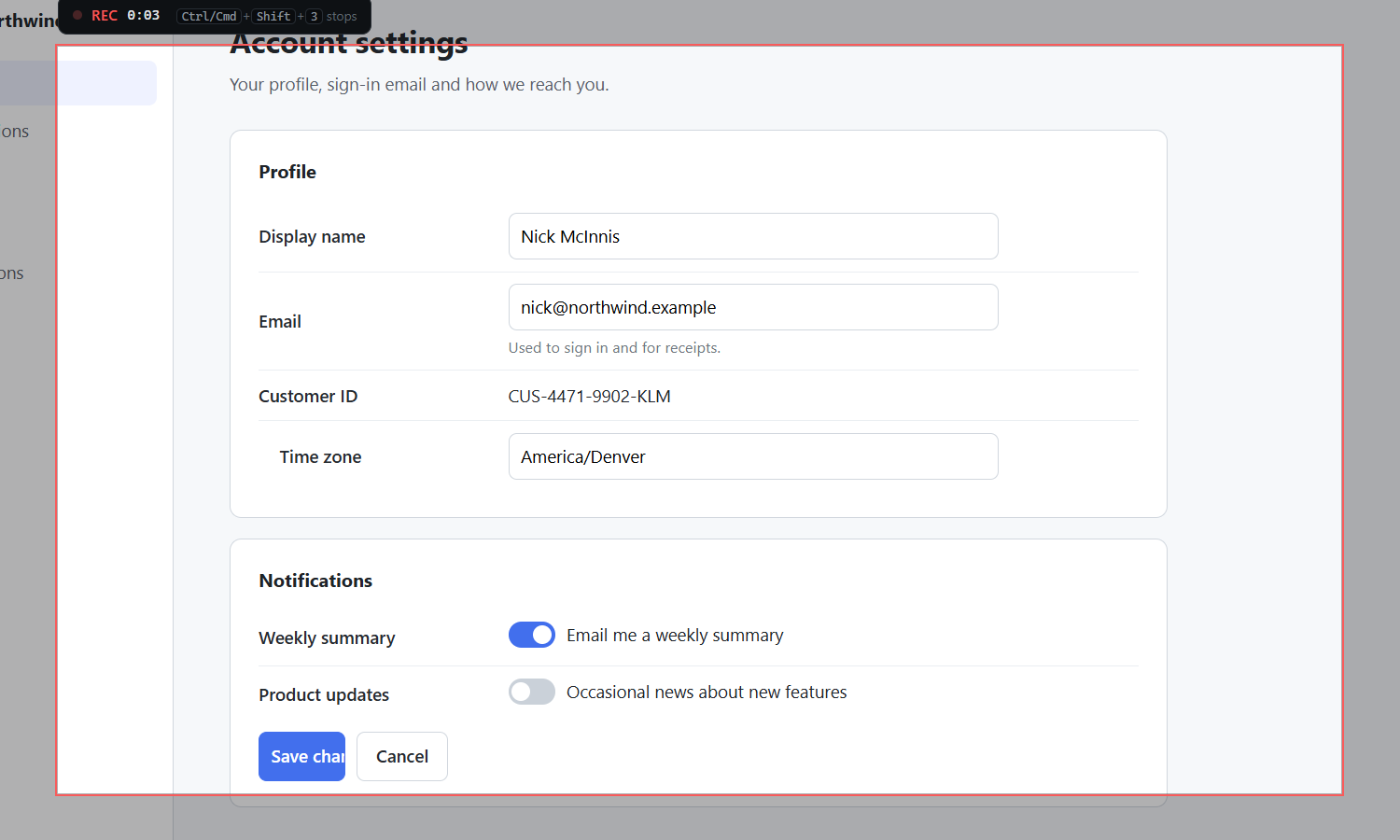
Ctrl+Shift+3, drag the region, adjust its edges and press Record. A three-second countdown lets you get in place. - Do the process. QACut takes a full-resolution still at the start, at every click or Enter with a ring where the click landed, and at the end.
- Press
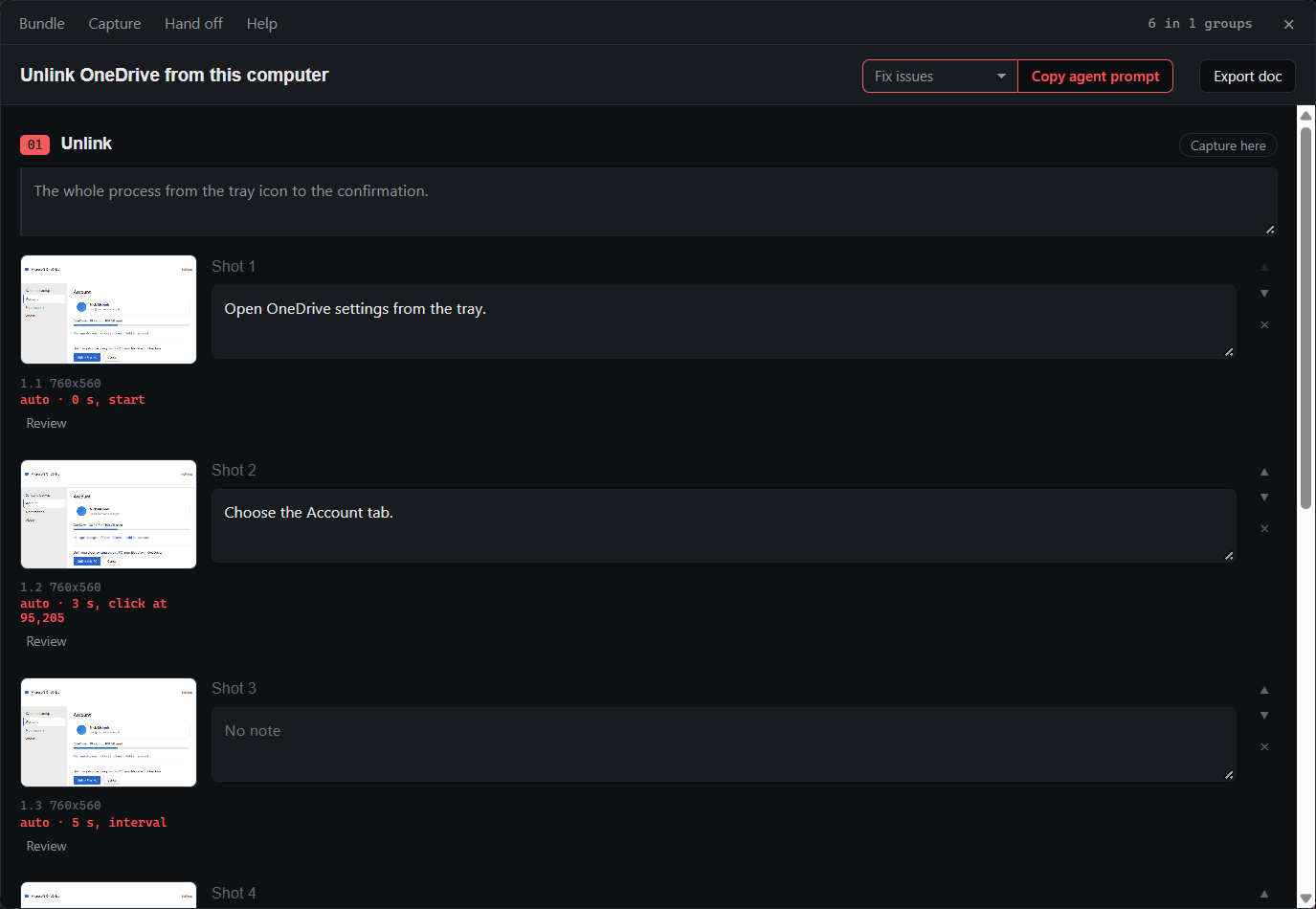
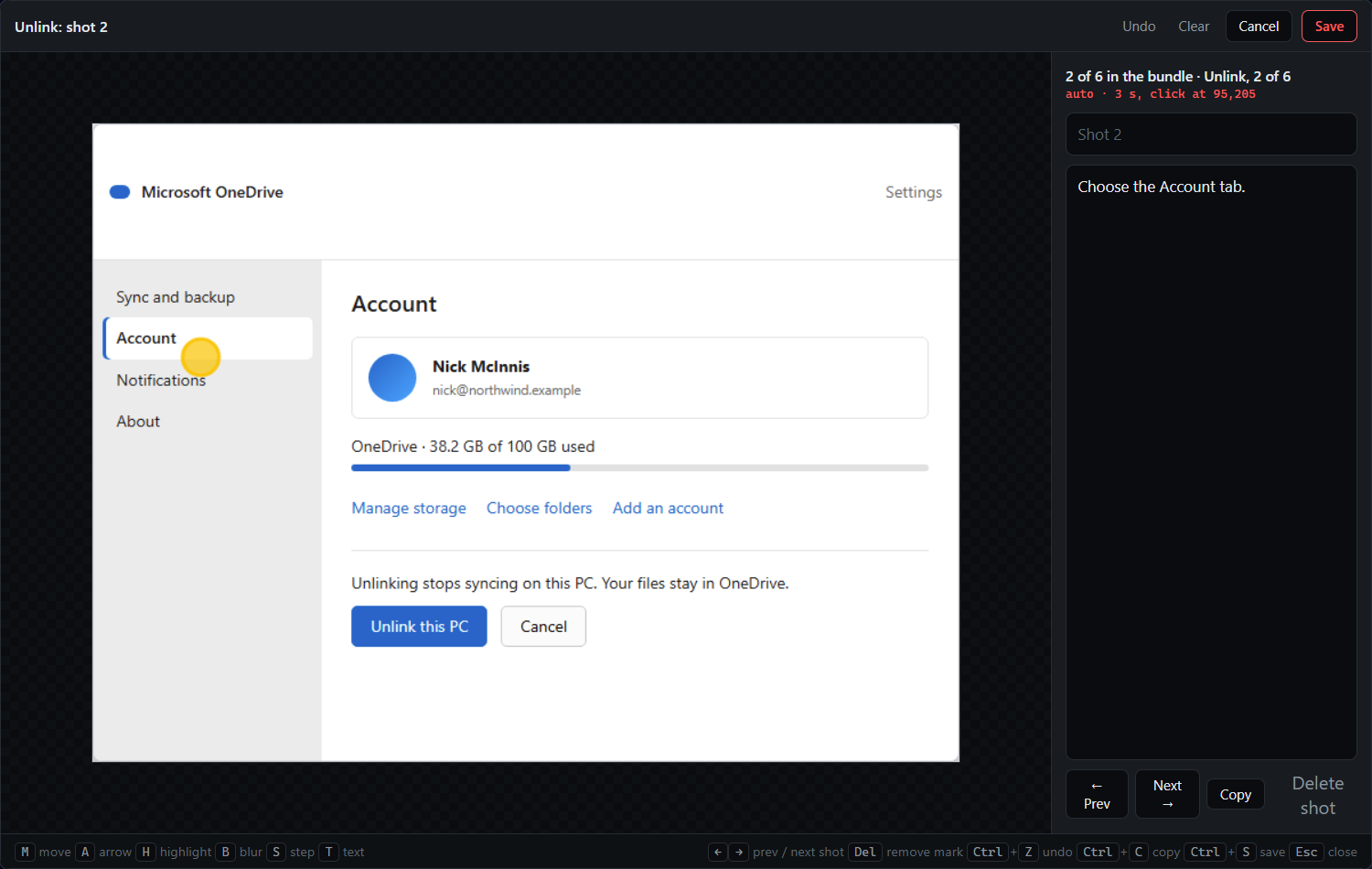
Ctrl+Shift+3to stop. The bundle window opens on the sequence. - Click the first still to open the review view, then walk the run with the arrow keys: delete the noise, type a note for each keeper, move the click ring if the pointer was somewhere unhelpful, blur what needs it. Drag any still that landed out of order.
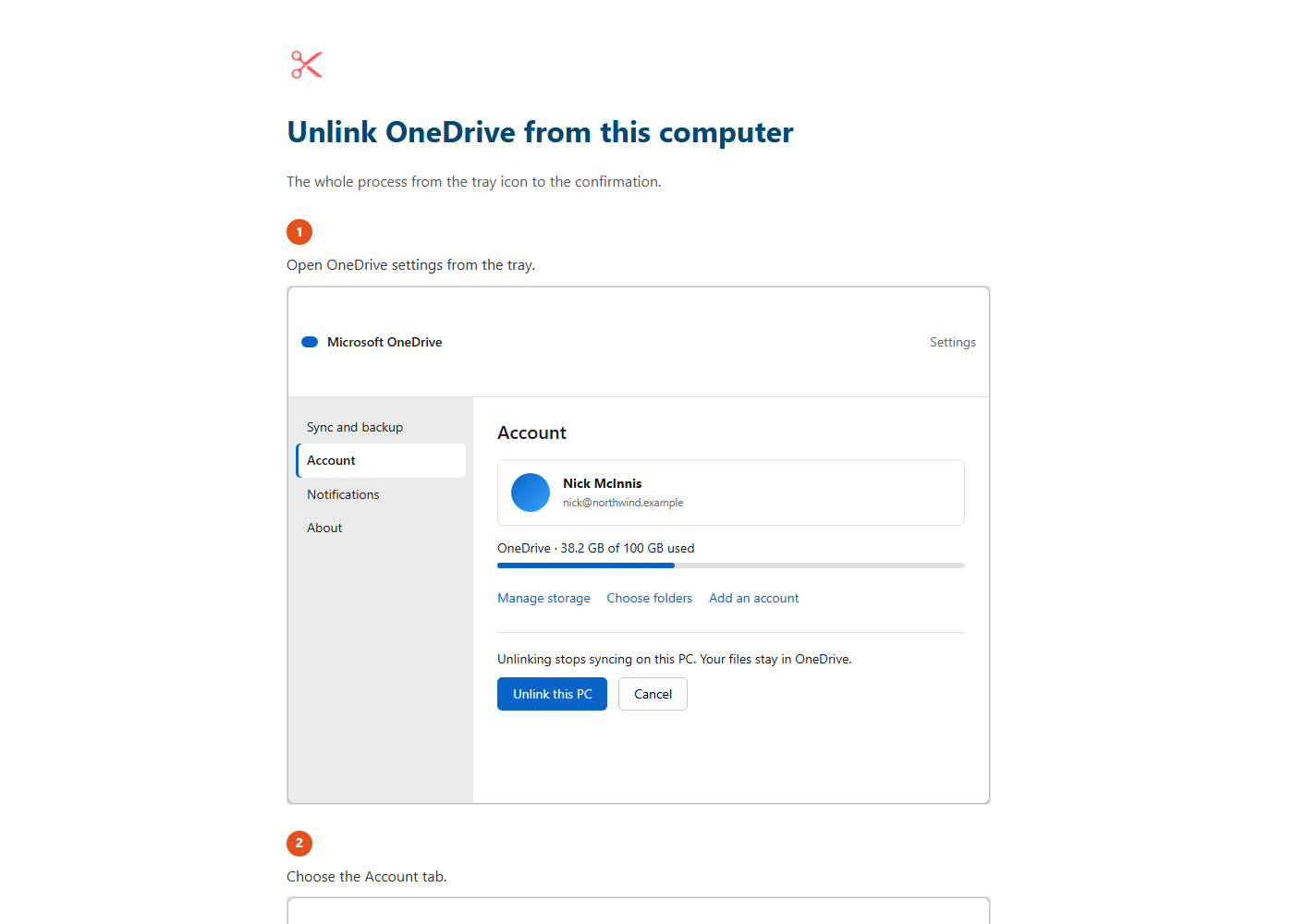
- Press Export doc.
What you get
A bundle whose stills are ordinary shots, listed in bundle.md as actions:
### 1.2

Toggle animates but the state never saves.
_auto-captured at 3 s, click at 412,188_And, from Export doc, a document with one numbered step per still and the note under each: one self-contained web page with the images embedded, or Markdown beside them.
No video is made. Agents cannot do anything with one, and recordings for people are the studio's job. What you get is a timeline of stills you can clean up, structure and annotate.
Tips
- Use auto-capture for a process and single screenshots (
Ctrl+Shift+2) for faults. A fault needs one shot and a note; a process needs the sequence. - Every still is a normal shot. It can be moved between groups, marked up in the editor and blurred like any other, and a bad one can be dropped before it reaches a document or an agent.
- Move the click ring before you export if the pointer was somewhere unhelpful; it is the reader's cue to where the action happened.
- Give the group a master note with
Ctrl+Shift+G, or from the bundle window, and it becomes the intro to that section of the document.
Related
- Organize screenshots into a document and export it, the same export from screenshots you took by hand.
- Hand a bundle to an AI agent with your brand kit, when the captured steps should become a document in your voice.
- Record polished screen recordings: document or video? The same region and countdown, but the studio makes an MP4 for people.
- Bundles for agents in the docs.