
Bundles for agents
A bundle is a folder: screenshots in groups, a note on each, and a markdown file that reads in order. It is built for handing to an AI agent, whether that is a bug list to fix or a set of steps to turn into documentation. This is the QACut Bundles half of the tray. For one-off fixes, see quick shots.
Capturing
Ctrl+Shift+2 freezes the screen. Drag a region and a note box appears under it. The header reads Group 1 / Shot 1; click either name and type to rename it. Enter saves, Shift+Enter adds a line, Esc keeps the screenshot with no note.
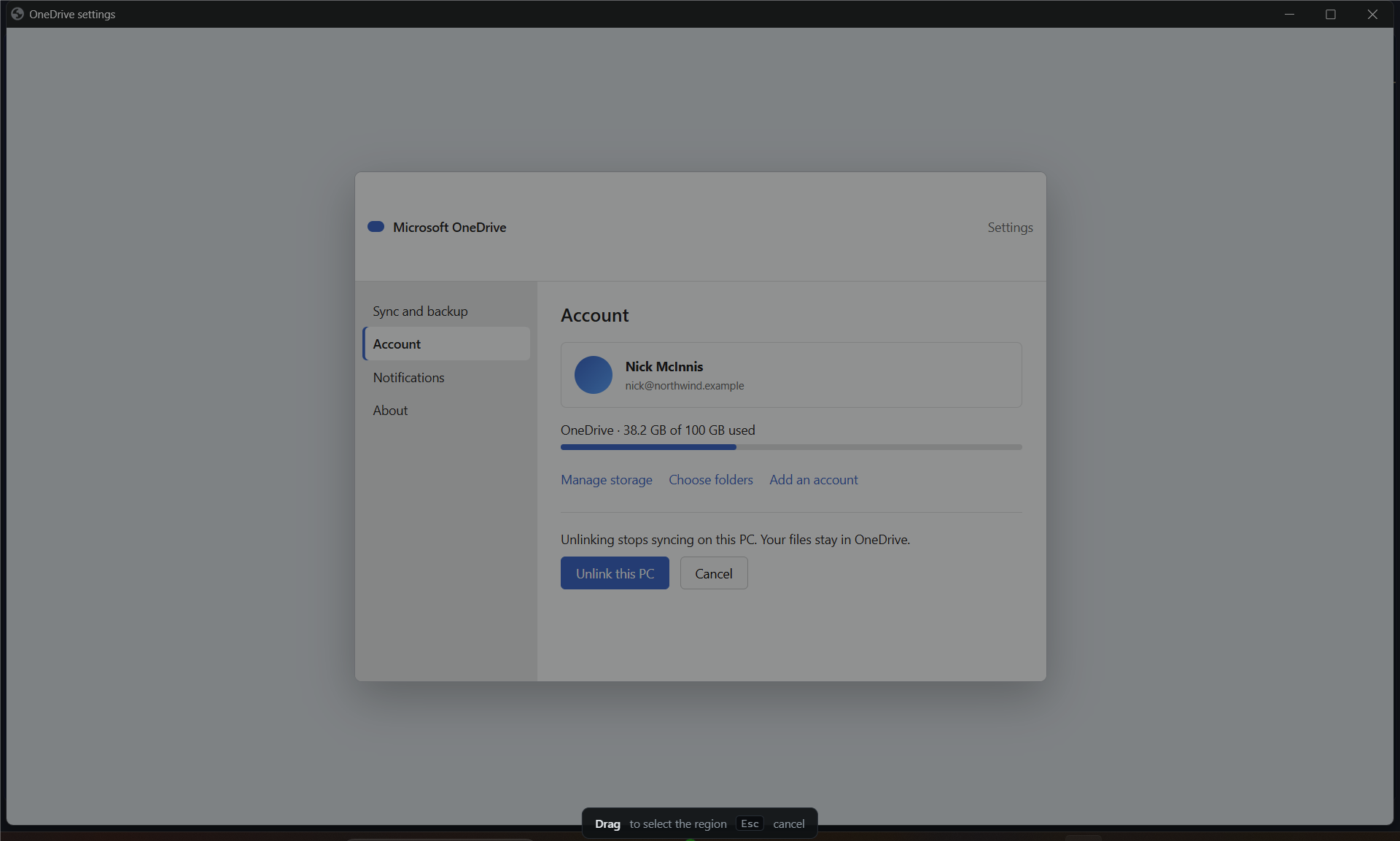
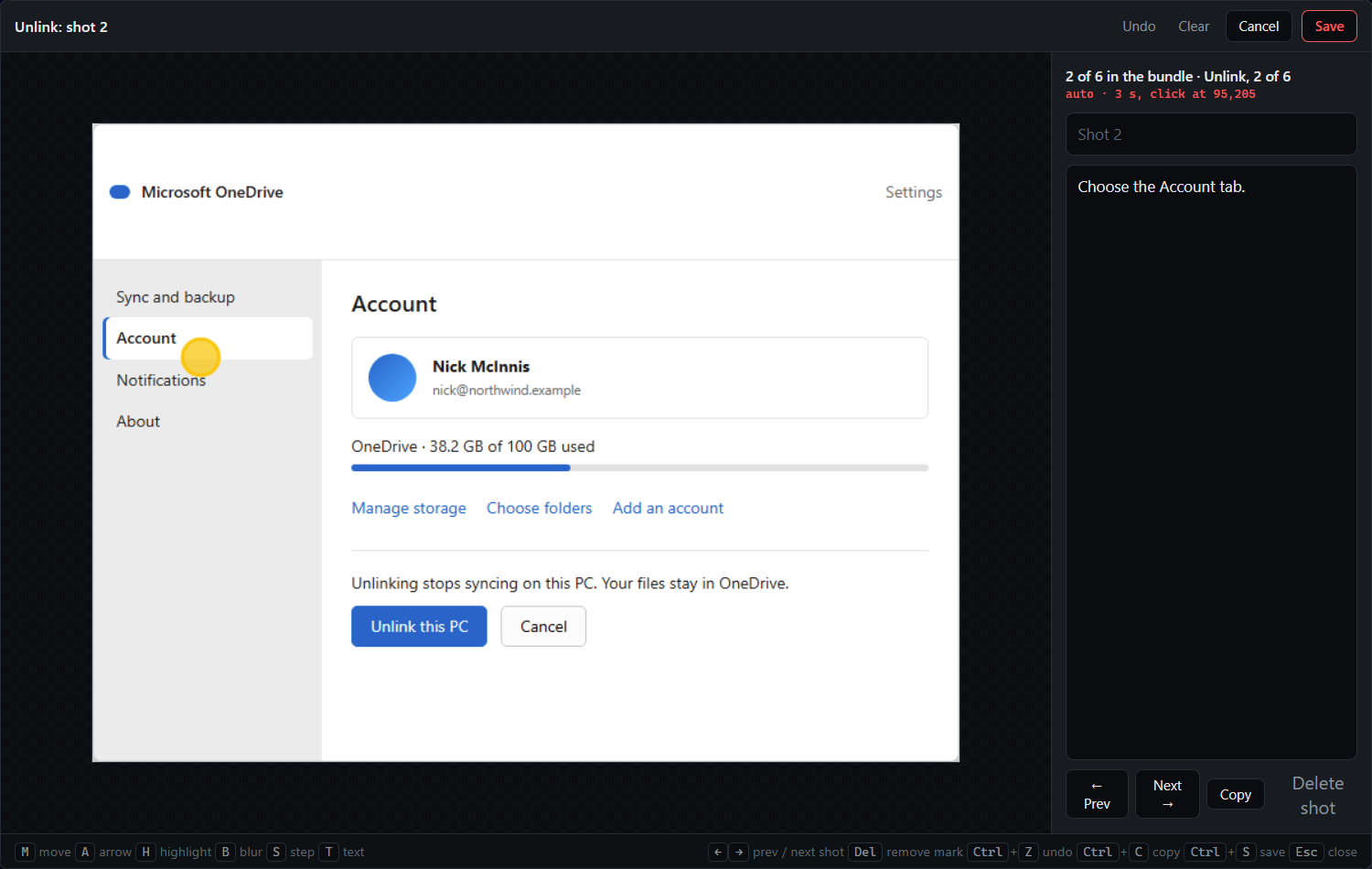
Ctrl+Shift+3 auto-captures a region instead: while you do something, QACut takes a still at the start, at every click or Enter (with a ring where the click landed), and at the end. Press it again to stop, and the bundle window opens on the sequence. Each still is an ordinary shot: drop the noise, note the keepers, drag any that landed out of order, and mark up or blur what needs it. Use this for a process; use single screenshots for faults.
Ctrl+Shift+G wraps up the group you just captured with a master note and opens the next group. Master notes describe the page or area; shot notes describe what is wrong or what is happening.
The bundle window
Ctrl+Shift+Q shows the bundle: every group and shot, editable in place. From here you can
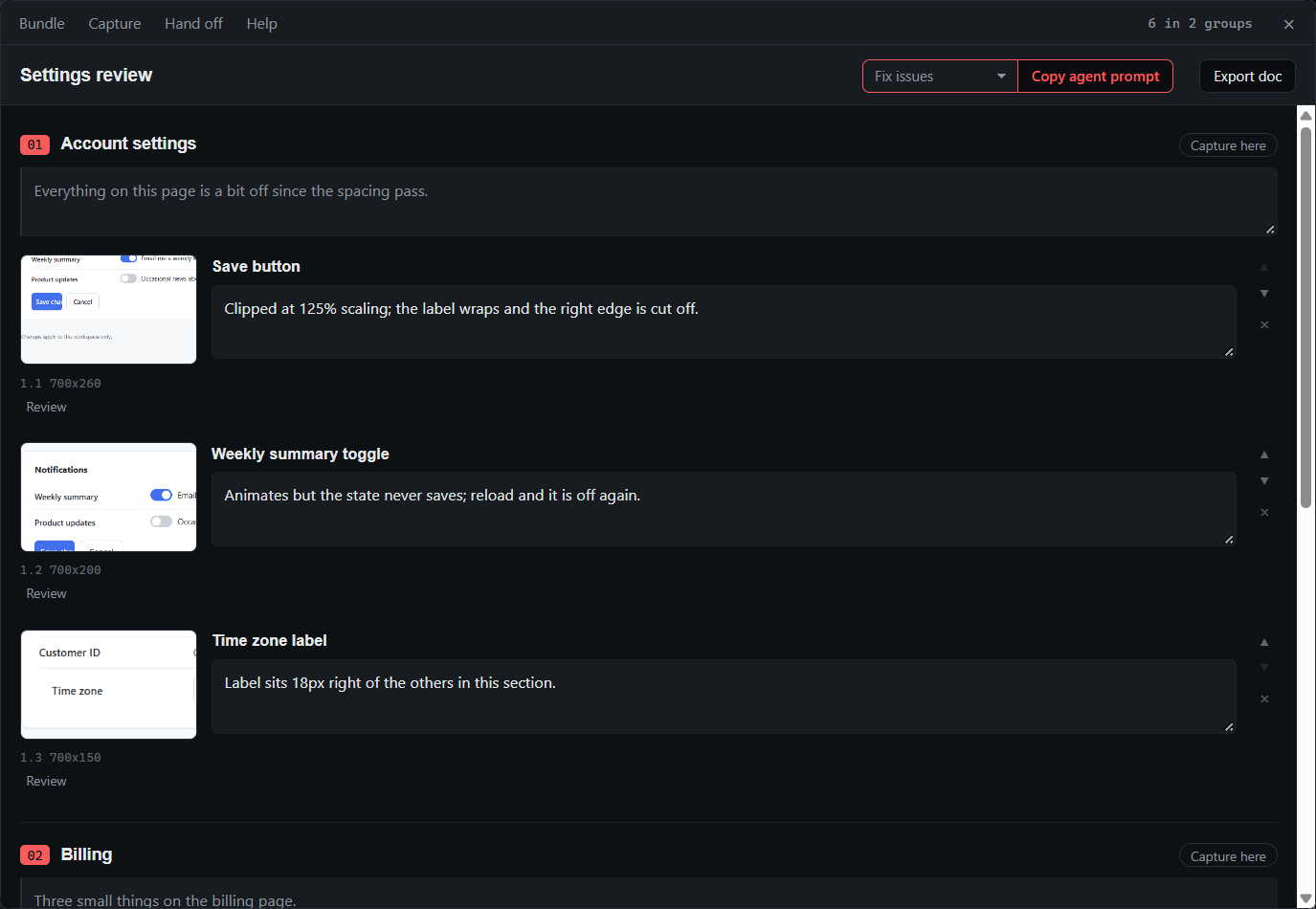
- rename the bundle, which renames its folder,
- drag shots to reorder them or move them between groups,
- point new captures at an earlier group with Capture here,
- open a screenshot in the editor to add arrows, highlights, step counters, or blur something sensitive,
- drop a bad still from a recording before it reaches the agent,
- choose the bundle's purpose: fix issues, write a process doc, or your own prompt.
Handing off
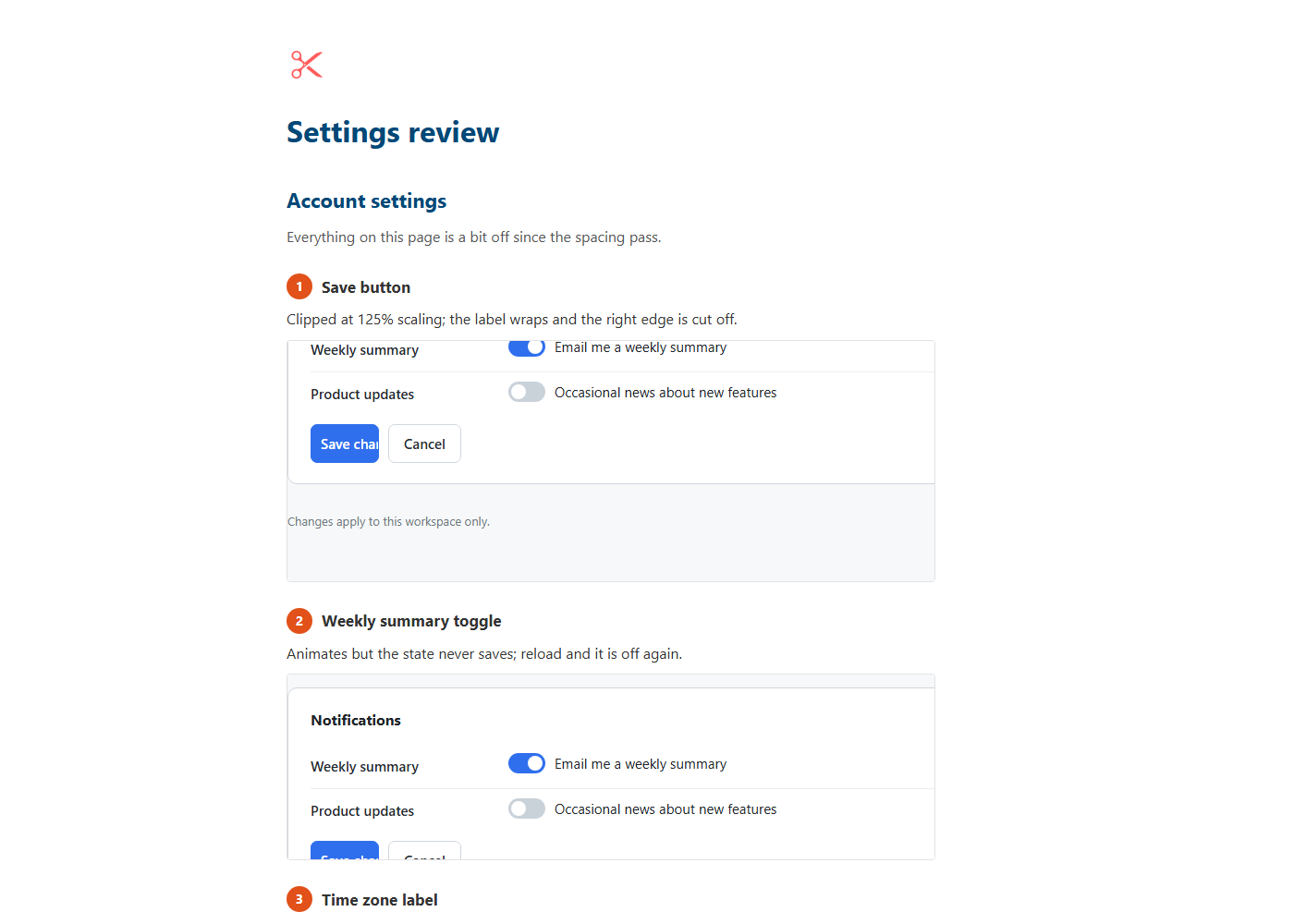
Export doc writes a finished process document from the bundle, no agent needed: each group is a section with its master note as the intro, each shot a numbered step with its note and image. As a web page it is one file with the images embedded, ready to send; as Markdown it sits beside the images for a docs platform. Hand it to an agent only if you want the prose polished.
Copy agent prompt writes the bundle and copies an instruction with the folder path filled in. Paste it into a CLI agent.
Finishing closes the bundle: the next capture starts a new one. To add to a finished bundle, press Capture here on one of its groups in the bundle window, or reopen it later from Bundle → Open bundle….
Save ZIP for chat zips the folder, shows the archive in Explorer ready to drag into a chat, and copies a prompt that says "the attached ZIP".
The markdown file explains itself at the top: each group is a page or area, the quoted note under a heading applies to everything in the group, and each numbered item is a screenshot with its note. Recordings list their stills as actions: "3 s, click at 412,188".
Purposes
- Fix issues asks the agent to work through the screenshots and fix what the notes describe.
- Write process doc asks for a step-by-step document, as Markdown or as one self-contained web page, one step per screenshot.
- Custom prompt is yours.
{root}becomes the folder path and{name}the bundle name. - Your saved prompts appear in the same menu by name. Add them in the Prompt library… (tray, or Hand off in the bundle window) as bundle prompts, with the same placeholders.